
Your Website Gets Visitors but No Enquiries: What to Check First
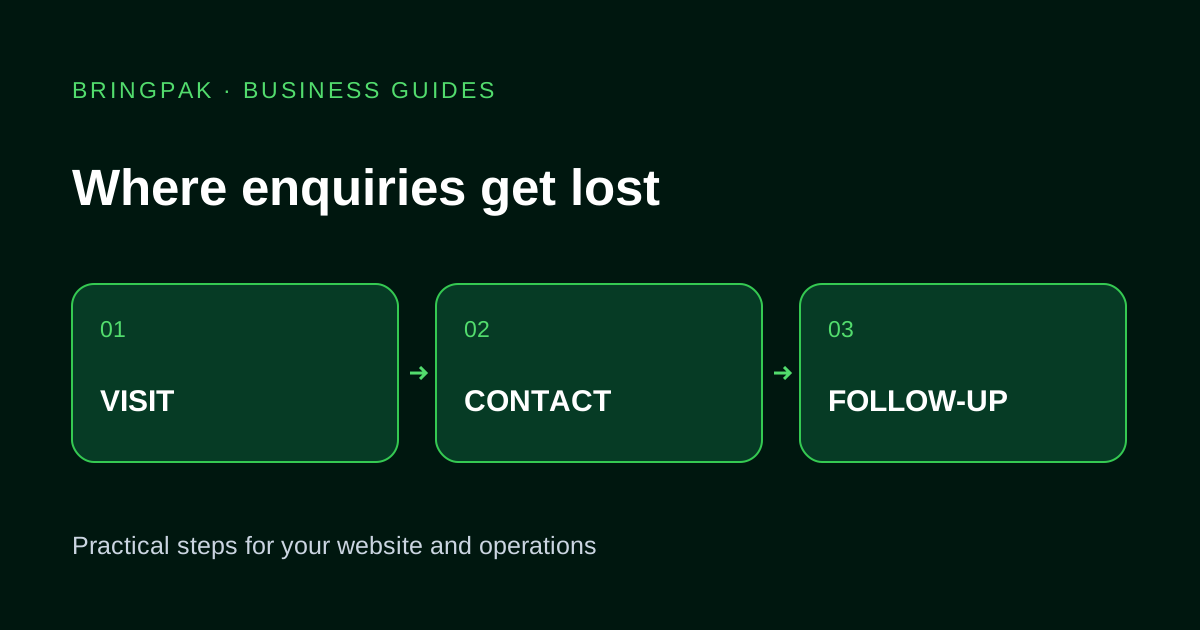
Check your offer, mobile contact flow, form delivery and lead follow-up before spending more on traffic to your business website.
You open the visitor report. People are arriving, but the phone is quiet. The tempting answer is to buy more traffic or rebuild the homepage. First, follow the route a customer has to take. A single broken contact link can waste a perfectly good visit.
This checklist is for a service business that wants calls, WhatsApp conversations or quote requests. It will not tell you whether your traffic is relevant without looking at the actual enquiries and acquisition data.
1. Read the service page without the company background
Imagine you have never heard of the business. Can you tell what it does, where it works and what you need to send for a quote? “Complete digital transformation” leaves a visitor guessing. “We build business websites with service pages, enquiry forms and WhatsApp contact links” gives them something to evaluate.
Put the essential details near the first contact option. Explain the deliverables, who the service suits and what affects the scope. If a starting price is shown, say what it includes. A visitor should not have to send a message just to discover that the service is unrelated to their need.
2. Try contacting yourself from a phone
Open the live page on an ordinary mobile connection. Tap the phone number and WhatsApp link. Check the number, country code and prefilled message. Does the message identify the service, or does every page send the same “Hi”? Return to the page and try the form.
- Can you reach the contact option without dismissing several overlays?
- Does the keyboard match the field: phone for a number, email for an address?
- Can you recover from a validation error without retyping everything?
- Does the success message tell you what actually happened?
A click on WhatsApp is not a completed enquiry. Treat it as a useful step in the journey, then compare it with conversations your team actually receives.
3. Follow one form submission all the way through
With the owner's permission, send a clearly labelled test request. Find it in the system that stores leads and check the notification separately. A form may save successfully while an email goes to spam. It may also display a success message even though the person responsible never sees the request.
Record the submission time, where the lead appeared and who could access it. Ask the team how they would pick it up tomorrow. If enquiries are collected in a dashboard, assign someone to review it; an unread dashboard is as unhelpful as an unread inbox.
4. Remove questions you do not need yet
A first enquiry rarely needs a full postal address, registration number and detailed procurement questionnaire. For a website quote, name, contact details, current site and a short requirement may be enough. Keep fields that help staff respond, and explain why any unusual information is needed.
For example, “Do you already have a website?” can reveal whether the project is a redesign. A mandatory annual-revenue field may stop a small shop owner from contacting you at all. Review the form against the actual first conversation your team wants to have.
5. Check where visitors land
Someone searching for a salon booking system needs booking information, not a homepage listing eight unrelated services. Compare landing pages with the questions customers ask. If the service page is vague, improve it before sending more paid visitors there.
Also separate genuine prospective customers from staff visits, bots and unrelated traffic where your analytics setup permits it. A visitor count alone cannot establish demand. Use Search Console query data and your enquiry records together when they are available.
A repair list you can hand to a developer
Write down the page, device, expected action and observed failure. “Contact button opens the wrong number on Android” is actionable. “Website is not converting” is a symptom. Fix broken journeys first, clarify the offer next, then evaluate layout changes against a consistent measurement period.
If the enquiry is arriving but follow-up is being lost, read our spreadsheet-to-CRM guide. For page and form repairs, explore website redesign or a focused landing page. Send the affected URL through our contact page so the discussion starts with a concrete example.
Useful for another business owner?
Share this guide with someone working on the same website or business workflow.
Share on WhatsAppContinue reading
Have a workflow you want to improve?
Send your current website or process, the problem you want to fix and the tools your team uses.
Discuss Your Project