
When Your Lead Spreadsheet Stops Working: A Small Business CRM Plan
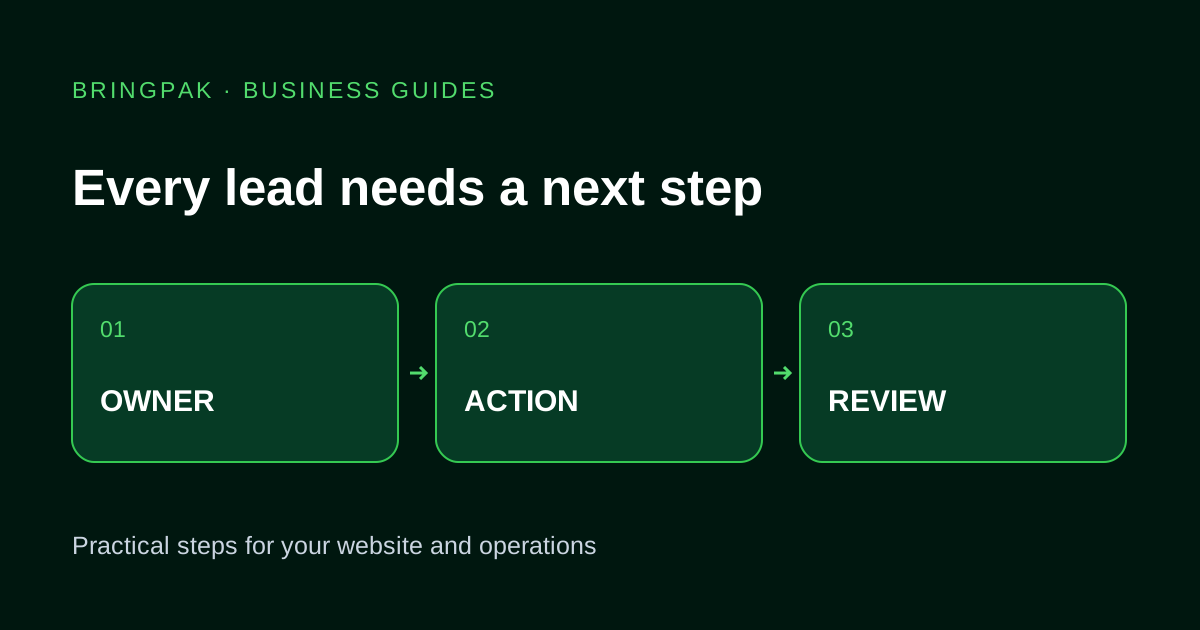
Define lead ownership, stages and next actions before moving your Pakistani business from a shared spreadsheet into a CRM.
Three people have called the same lead. Another customer has been waiting since Monday because everyone thought someone else would reply. The spreadsheet may contain all the phone numbers and still fail to show who should do what next.
Before buying CRM software, repair the process on paper. Otherwise, the same uncertainty moves into a more expensive interface.
Give every open enquiry an owner and a next action
A basic lead record needs a name or reference, contact information, source, requirement, owner, stage and next action date. A note saying “interested” tells the team very little. “Send the salon booking proposal by Thursday; Ayesha owns the follow-up” tells them what to do.
Make ownership explicit even when the team is small. Define how a lead is reassigned when someone is absent. The next colleague should see the previous conversation before making another call.
Choose stages the whole team interprets the same way
Start with a short pipeline such as new, contacted, quote sent, decision pending, won and closed. Write a one-sentence rule for entering each stage. “Contacted” might mean a conversation happened, not merely that someone dialled the number.
Separate waiting for the customer from waiting for your own team. An enquiry can be stuck because a proposal is unfinished, even though the customer is ready. That distinction helps the manager identify work that can actually be unblocked.
Try the process in the current sheet first
Add the missing owner and next-action columns. Review unassigned and overdue records at an agreed time. If staff cannot keep those few fields current, ask why: duplicate entry, unclear responsibility, too many fields or no useful review.
A CRM becomes attractive when the sheet no longer gives the required access control, reminders, shared history or connections to other tools. A small team with a manageable queue may not need a custom system yet.
Clean a sample before importing everything
Take a small representative set and decide how each column maps to the new system. Phone numbers may use 03, +92 or spaces; standardise them carefully without losing the original. Two matching numbers may belong to one customer, but a family or business can also share a number. Review ambiguous duplicates instead of merging blindly.
Agree on which old records still serve a purpose. Keep an export before migration and test whether notes, dates and assigned staff survive the import. Importing a large pile of stale enquiries does not make the new dashboard useful.
Connect intake without hiding failures
A website form can create a lead with the requested service and source page. Decide what happens if that connection fails: is the request still saved somewhere, and who sees the failure? A successful-looking form must not become the only evidence that a lead existed.
Prevent retries from creating unrelated copies of the same request. For chat enquiries, choose what staff record and when. Do not assume every social platform provides the same access or that every conversation should be copied into a CRM.
Keep reports close to decisions
- Which open leads have no owner?
- Which follow-ups are overdue?
- Which quotes are waiting for an internal action?
- Why were enquiries closed?
These questions are useful before building a large sales dashboard. A conversion report depends on consistent stage updates and an agreed definition of a qualified enquiry. Do not compare numbers from periods that use different definitions as if they measured the same thing.
Make handover part of the purchase
Ask who controls the account, which staff roles exist and how records can be exported. Test one salesperson's permissions with sample leads. A team member should not need full administrative access just to update a callback note.
Bring an anonymised sheet and your follow-up steps when discussing CRM and lead management. If orders and stock also need a shared record, explore order management separately. For the intake journey, use our website enquiry checklist.
Useful for another business owner?
Share this guide with someone working on the same website or business workflow.
Share on WhatsAppContinue reading
Have a workflow you want to improve?
Send your current website or process, the problem you want to fix and the tools your team uses.
Discuss Your Project