
Cash on Delivery Orders: A Workflow for a Small Pakistani Online Store
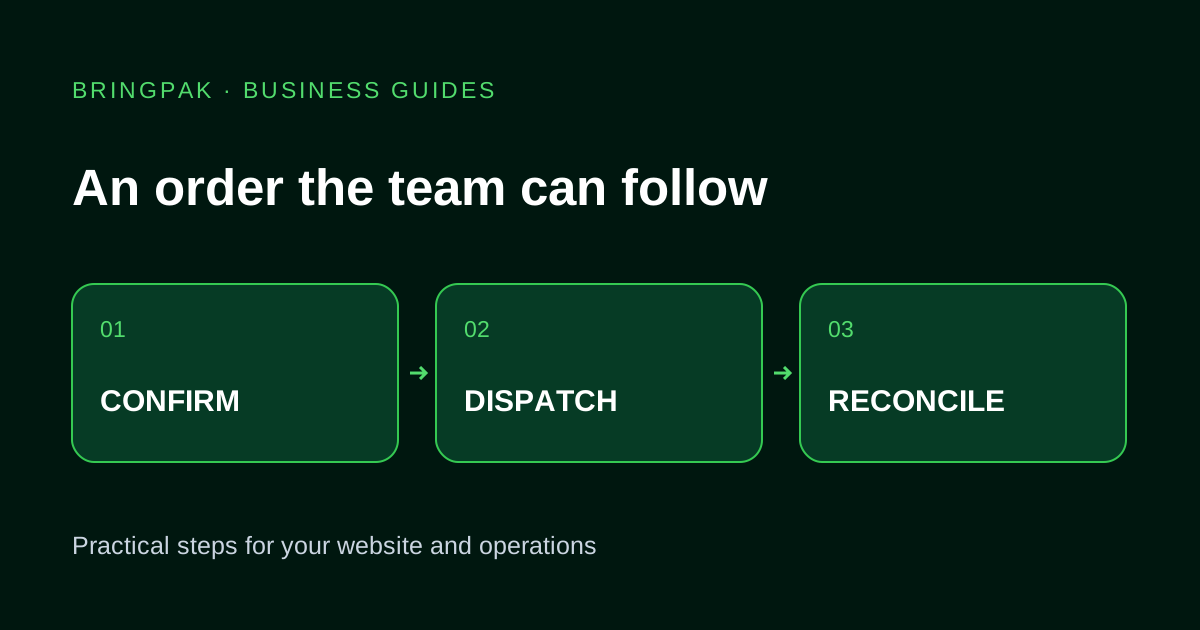
Plan COD confirmation, dispatch, tracking and returns with clear order statuses, delivery charges and staff responsibilities.
A customer sends a screenshot of a kurta, writes “medium chahiye” and shares a pin location. Someone replies “done”. By packing time, the team still needs a complete address, an agreed total and confirmation of the variant. A store needs a record everyone can follow.
The workflow below is a planning example for a small online retailer. It does not assume that every courier, payment provider or inventory tool supports the same integration.
Give each order an identity
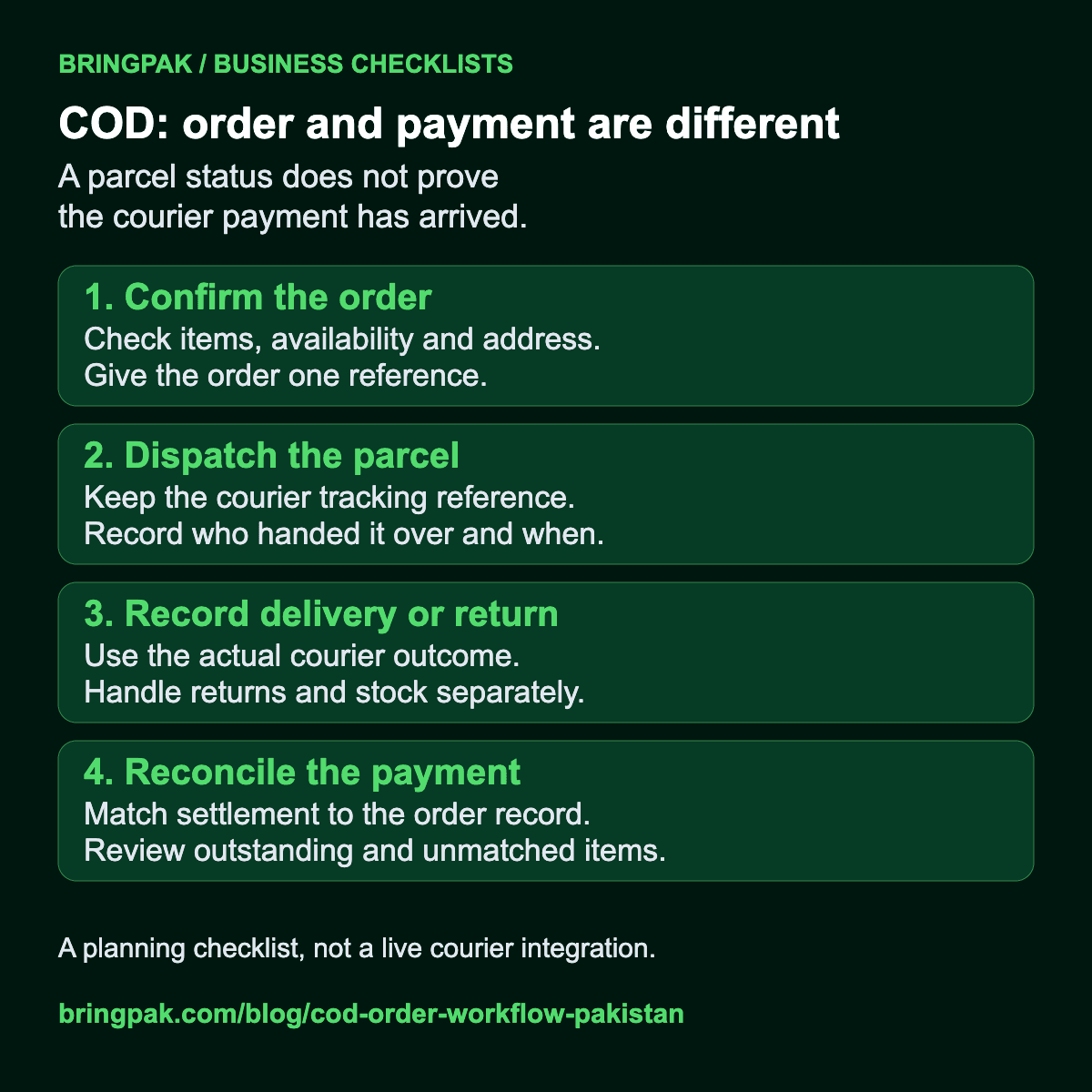
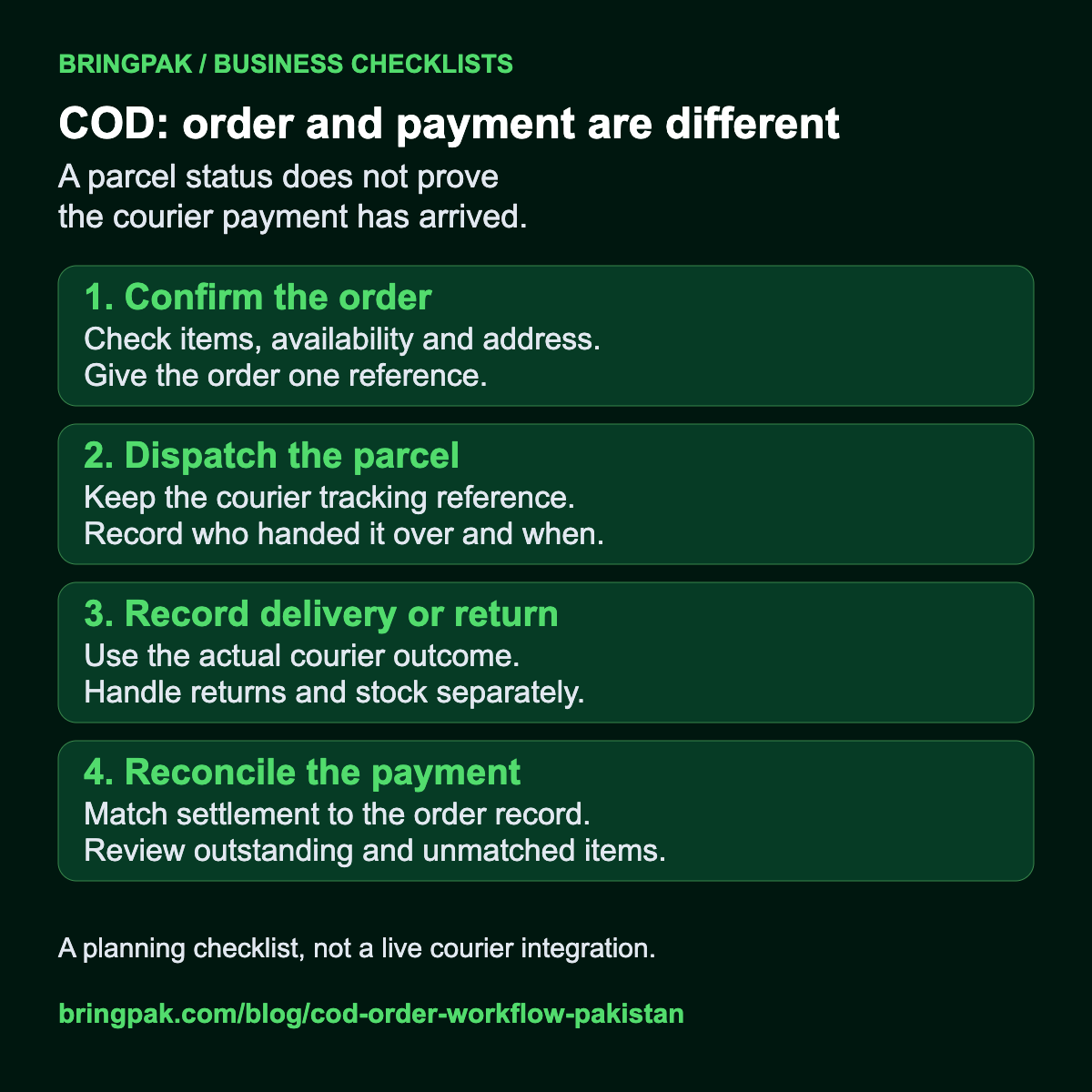
Create an order reference and save the product, variant, quantity, customer contact and delivery details together. A screenshot is useful context, but staff should still select the actual catalogue item. Colours and sizes belong in the order record so the packing team does not have to interpret a chat.
Show the item subtotal, delivery charge and total before confirmation. If delivery charges vary by destination, collect enough information to calculate them or explain that staff will confirm the charge. Do not display a fixed final total that changes only after the customer agrees.
Use statuses that describe completed work
- Received: the order request is saved; stock and address may still need checking.
- Needs clarification: a variant, address or customer instruction is missing.
- Confirmed: the agreed confirmation checks are complete.
- Packed: staff have prepared the selected items.
- Dispatched: the parcel has been handed over, with a tracking reference where available.
- Delivered or returned: update from reliable fulfilment information.
Decide who can change each status. “Delivered” and “COD amount reconciled” may happen at different times, so they should not silently mean the same thing. Keep the courier's settlement record separate from the customer's delivery status.
Make confirmation a short conversation
Send the order reference, item and variant, total and address for review. A useful message is: “Order BP-104: blue kurta, medium, one piece. Please check the address and total below.” Avoid making the customer reconstruct the order from earlier messages.
Set a process for requests that receive no response. Staff need a queue and a next action, rather than repeated messages from different numbers. If you allow changes after confirmation, record who approved the change and recheck stock before packing.
Know which system owns stock
If a website and physical shop sell the same stock, decide where the available quantity is maintained. Taking two orders for the last medium kurta is possible when channels update independently. A stock integration should define reservation, cancellation and release rules.
For a smaller launch, manual stock review may be acceptable if the customer sees that an order is a request pending confirmation. Do not label stock as live merely because a number appears on the page. Agree on how often staff update it and what happens when it is wrong.
Track delivery without promising an unsupported connection
Staff can enter a courier reference manually. An automated connection requires access to that courier's supported tools and a way to map its statuses to yours. Test unavailable tracking, delayed updates and a returned parcel before calling the connection complete.
Customers need a simple route to ask about an order. If WhatsApp is the support channel, include the reference in the prepared message. Staff should look up the order before giving a delivery update instead of guessing from an old chat.
Close the loop on returns
Record why a parcel came back, whether it was checked and whether the item can return to saleable stock. A cancelled request, a refused parcel and a damaged return require different actions. Keep adjustments visible to the person responsible for accounts.
Before launch, walk through one normal order, one missing address, one stock conflict and one return with sample records. The test should include the person who packs orders, not only the person who approves the website design.
Bring your current order sheet and courier process to a discussion about e-commerce development or inventory and order management. If chats are the bottleneck, compare WhatsApp workflows after the underlying order process is clear.
Work through an order settlement example
Review five invented parcels with a matching remittance, a PKR 100 difference, a return and unconfirmed charges. Use the worksheet to agree staff responsibilities before building the workflow.
Open the worked example and free worksheetKeep the order and payment records separate
Useful for another business owner?
Share this guide with someone working on the same website or business workflow.
Share on WhatsAppContinue reading
Have a workflow you want to improve?
Send your current website or process, the problem you want to fix and the tools your team uses.
Discuss Your Project