
WhatsApp Order Automation for Pakistani Retailers: A Practical Workflow
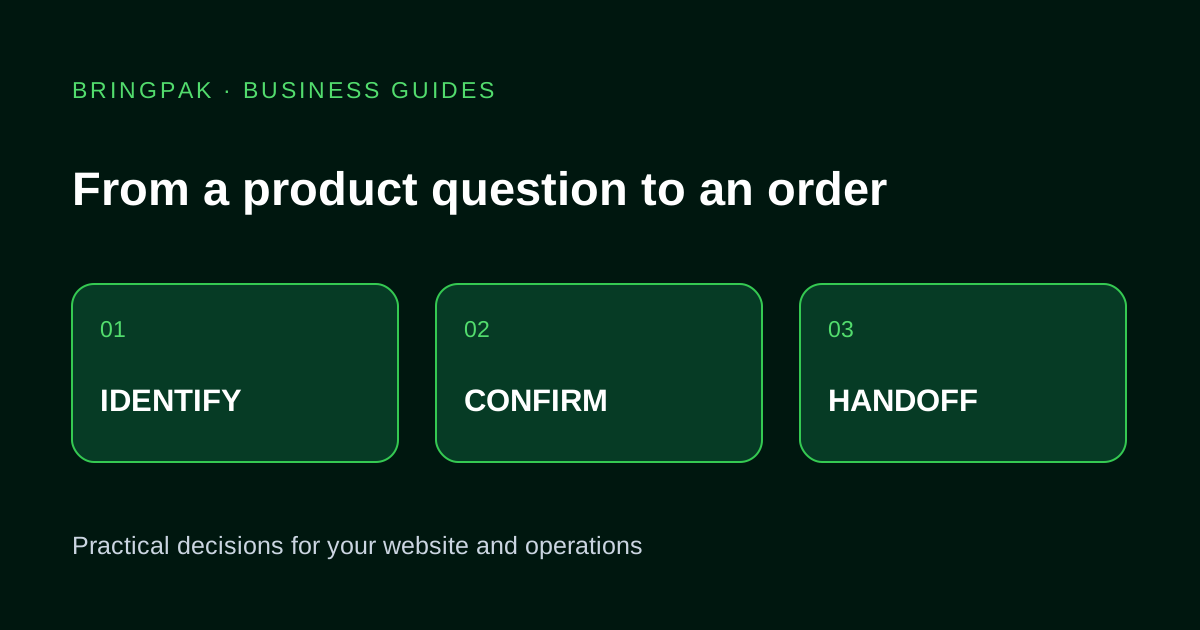
Plan product enquiries, stock checks, order approval and staff handoff without confusing a WhatsApp conversation with a confirmed sale.
A customer writes, “Black shirt medium mein available hai? Lahore delivery?” Before confirming anything, your team needs the exact product, size, current availability and delivery rules. A useful WhatsApp workflow makes those checks repeatable. It does not turn every message into a confirmed order.
This is an illustrative planning guide for a retailer, not a client case study or a claim about revenue saved. Use it to decide what staff and software should each do.
1. Identify the item before checking availability
Give each sellable size and colour a consistent product reference. If the customer sends a photo or an unclear name, ask a clarifying question or pass it to staff. A plausible match is not sufficient to promise stock. Keep approved product descriptions separate from the inventory record that owns the available quantity.
For example, an assistant can ask whether “black shirt” means product SH-014 or SH-027. Only after the customer selects an item should the workflow check the medium variant. If no inventory connection is available, say that staff will confirm availability.
2. Separate a draft order from acceptance
Collect the item, quantity, delivery area and a contact route. Show a summary for confirmation and apply the shop's approved delivery charges. Decide whether staff accept the request or the system can reserve stock. Sending a chat message, reserving a unit and accepting an order are different events.
- Which system assigns the order reference?
- When is stock reserved, and when does a reservation expire?
- Who approves an address outside the normal delivery area?
- What happens if the customer sends the same confirmation twice?
3. Keep dispatch and payment records distinct
A COD order is not collected revenue. Track customer confirmation, packing, courier booking, delivery or return, and settlement separately. Staff need the courier reference alongside the order reference. A payment screenshot should go through the agreed verification process before the order is marked paid.
Use our COD order workflow to map these stages. Software can record events only when the relevant provider access and business process exist.
4. Choose the channel and handoff
A website button that opens WhatsApp is useful for visitor-initiated contact, but it does not create a shared inbox or automated API connection. Review the business account, supported platform access, message purpose and provider costs before choosing a setup.
WhatsApp's messaging policy covers recipient permission, opt-out handling and escalation from automation. Check the current Business Messaging Policy against the intended workflow. Platform approval and delivery are not guaranteed by buying development work.
Assign a staff owner for uncertain stock, complaints, changed addresses and cancellations. Agree what context staff receive and whether automated replies pause during takeover.
5. Review a small pilot using synthetic orders
Test a Roman Urdu enquiry, an unavailable variant, missing inventory access, repeated confirmation, a changed address and a failed courier lookup. Record the actual reply and the resulting record. A friendly answer is not a pass if it creates two orders or invents stock.
Compare a defined sample of real operational outcomes before and after launch: staff handling time, corrections and completed handoffs. Record sample size and exclusions. Do not present simulated examples as sales results.
BringPak can help scope WhatsApp automation, a retail website and order workflow or inventory and order records. Start with one journey your staff can operate when an integration is unavailable.
Work through an order settlement example
Review five invented parcels with a matching remittance, a PKR 100 difference, a return and unconfirmed charges. Use the worksheet to agree staff responsibilities before building the workflow.
Open the worked example and free worksheetUseful for another business owner?
Share this guide with someone working on the same website or business workflow.
Share on WhatsAppContinue reading
Have a workflow you want to improve?
Send your current website or process, the problem you want to fix and the tools your team uses.
Discuss Your Project